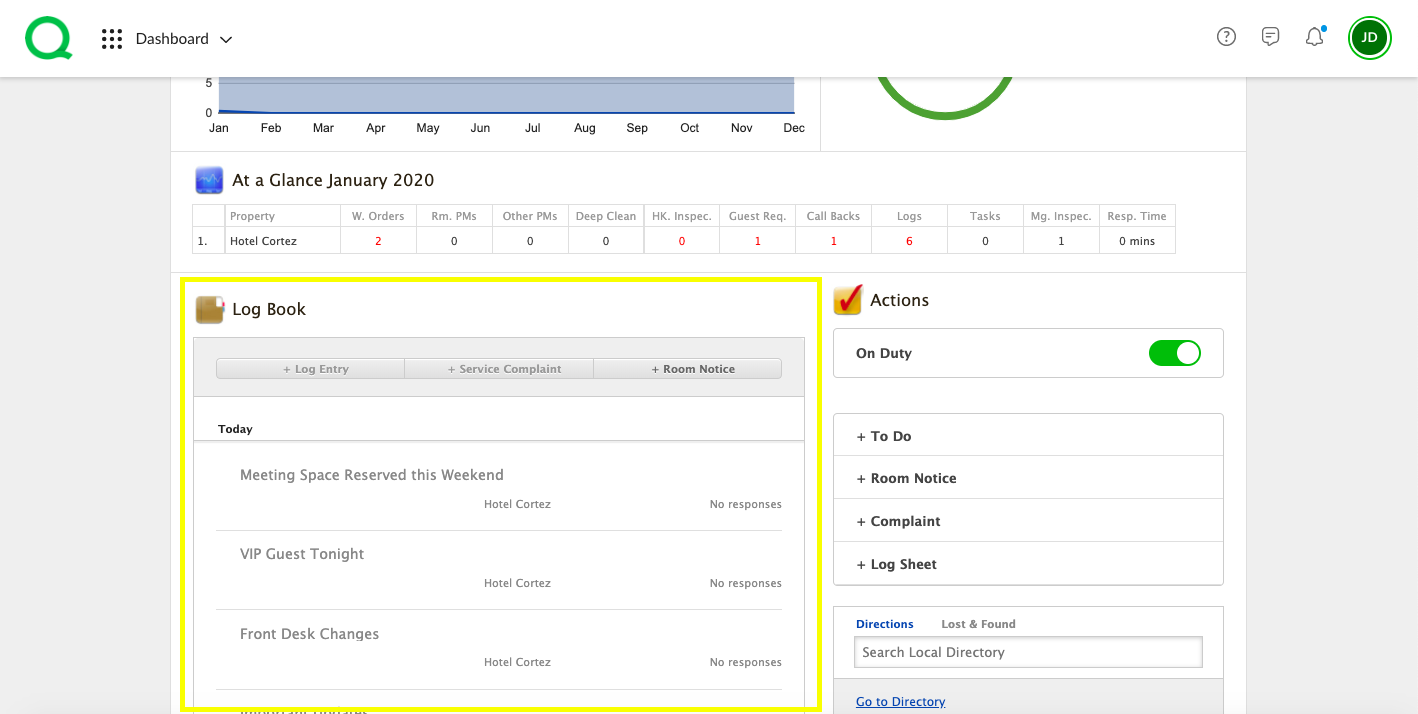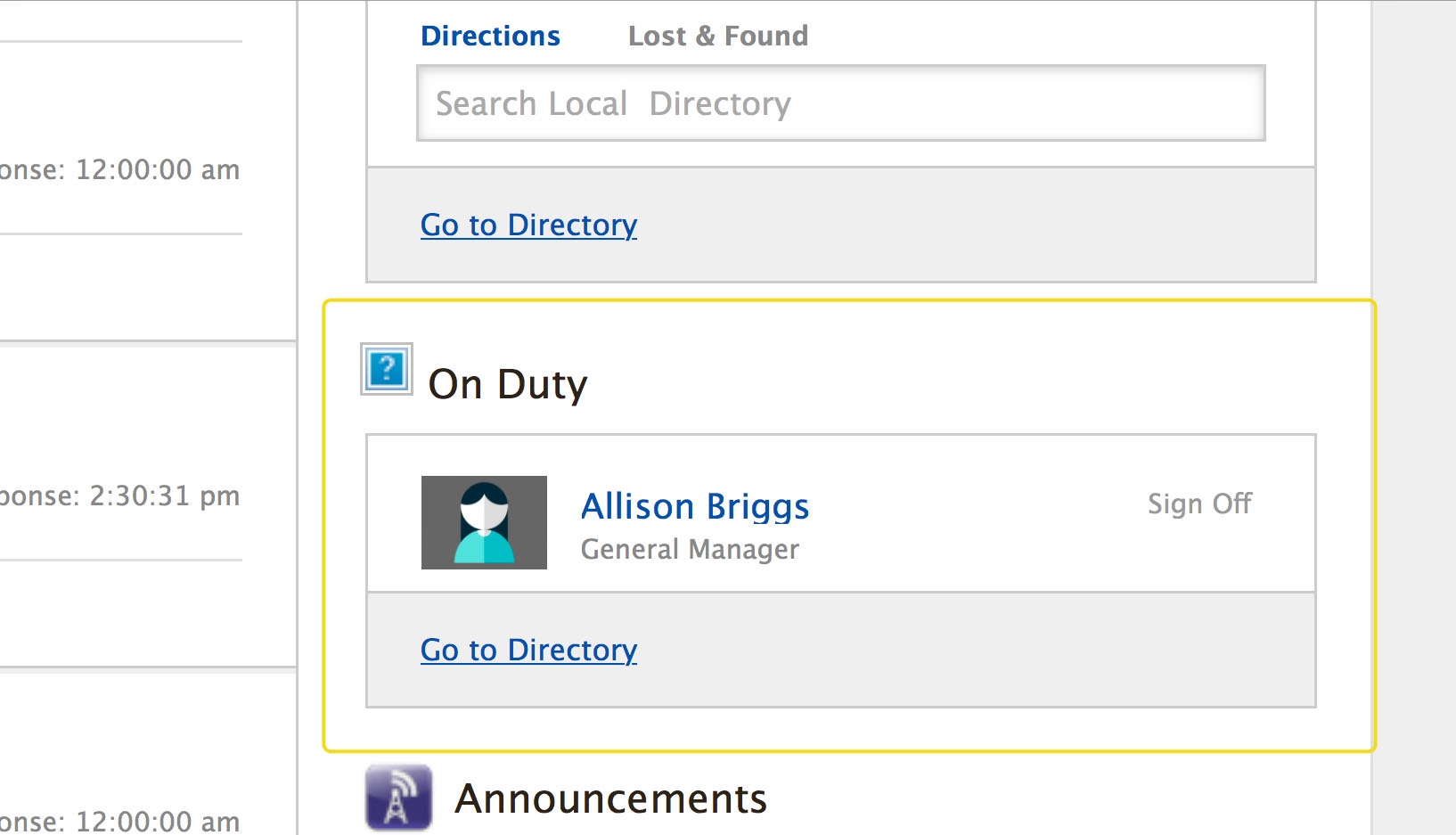
In this article, you will be introduced to the elements of the desktop Dashboard.
Rooms Grid
At the top of your Dashboard page is what is known as the Rooms Grid with each box representing a guestroom in your hotel. Throughout the day, the Rooms Grid will display various colors, indicating activity taking place in real time.
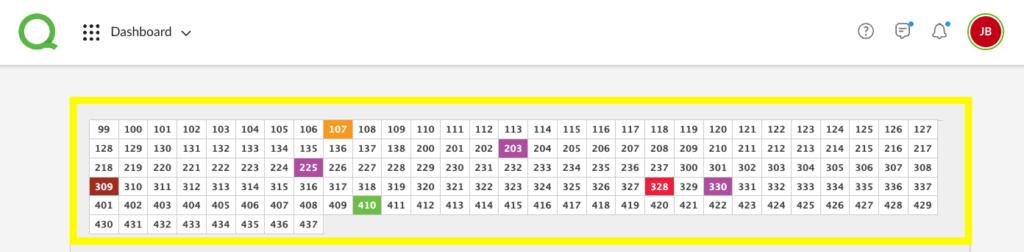
- A room in orange indicates there is an open work order.
- A room in red indicates there is a guest complaint that needs to be resolved.
- Maroon indicates a request.
- Teal indicates a message via the Connect app (an optional add-on app).
- Green is for room notices.
- Purple is for callback reminders.
You can click a room number to see details about the room’s activity. Any activity and Connect conversations (if applicable) will appear with Room Notices on top. If you need to create another activity for that room click the three dots and choose between, + Request, Guest Satisfaction Call or Edit Information (Connect only).
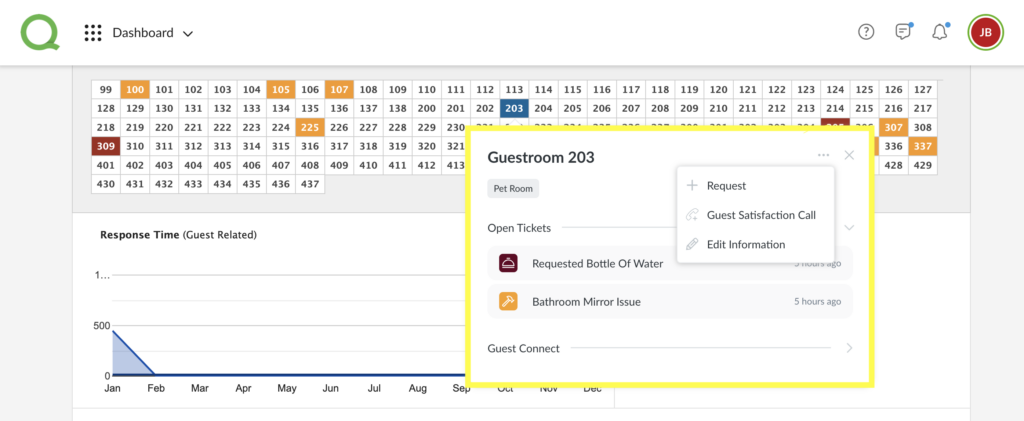
- Pro Tip: Every user will be able to see the colors on the Rooms Grid, however you will only be able to view details of an item if it is assigned to you, your department, or Anyone, if you are the item’s creator, or you are a management-level user in Quore.