Managing My Account
In this article, you will learn how to use the Account page to manage your personal settings and information within Quore.
Desktop
1. Log in to Quore on the desktop.
2. Click on the user profile icon in the top-right corner of the header.
3. Click on Account.
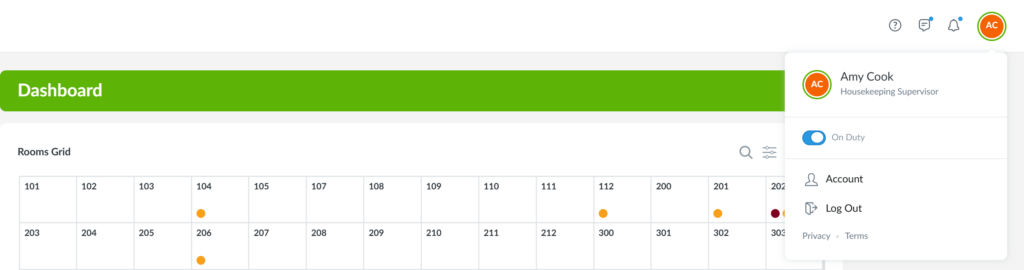
4. From here, you can update your contact information, main property, language, time zone, and password.
5. Click Save Changes.
Note: Corporate, regional, and management users also have access to Settings, where they can view property information and update display preferences.
Mobile
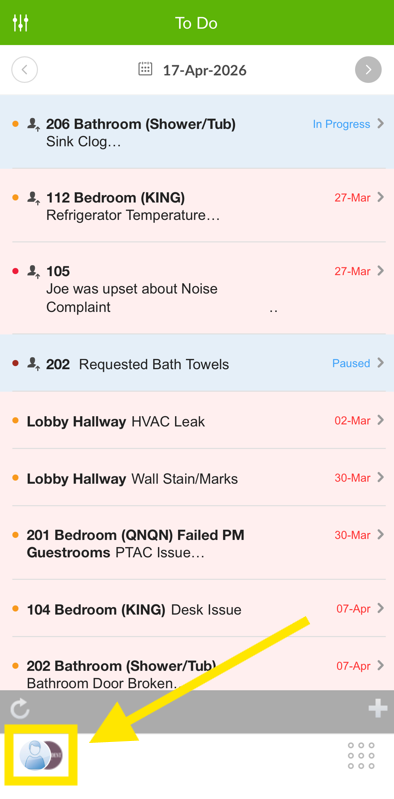
1. Log in to the Quore mobile app. Select the User Avatar in the bottom-left corner of your screen.
2. Tap Account Settings.
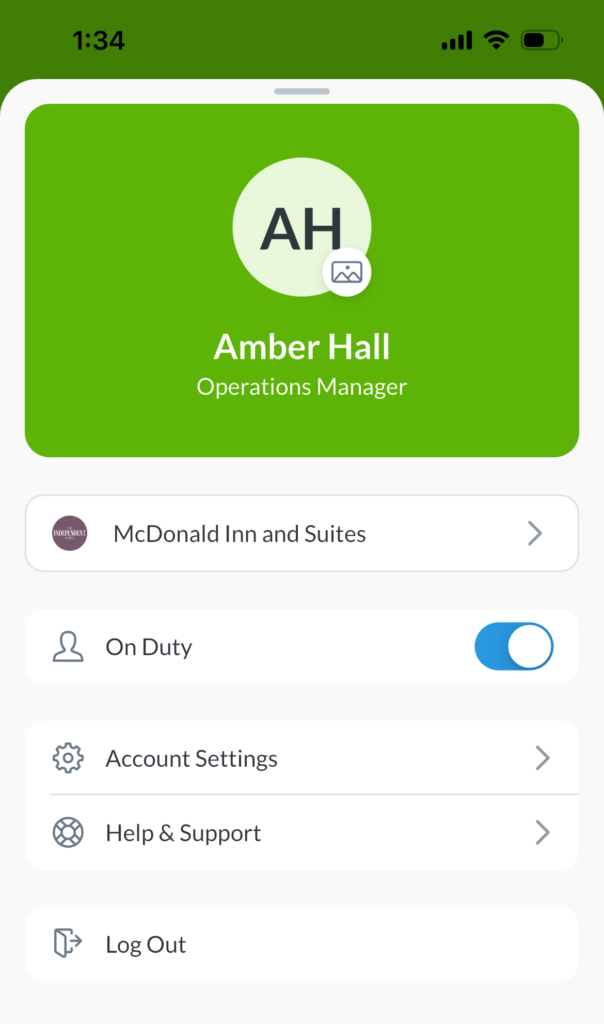
3. From Account Settings, update your language, contact information, password, and login preferences.